Generate an application
To use the CHZZK API with chzzkpy package, we need to register an application. The process of registering for the app is very simple.
- Login to the CHZZK Developer Center page with your Naver account.
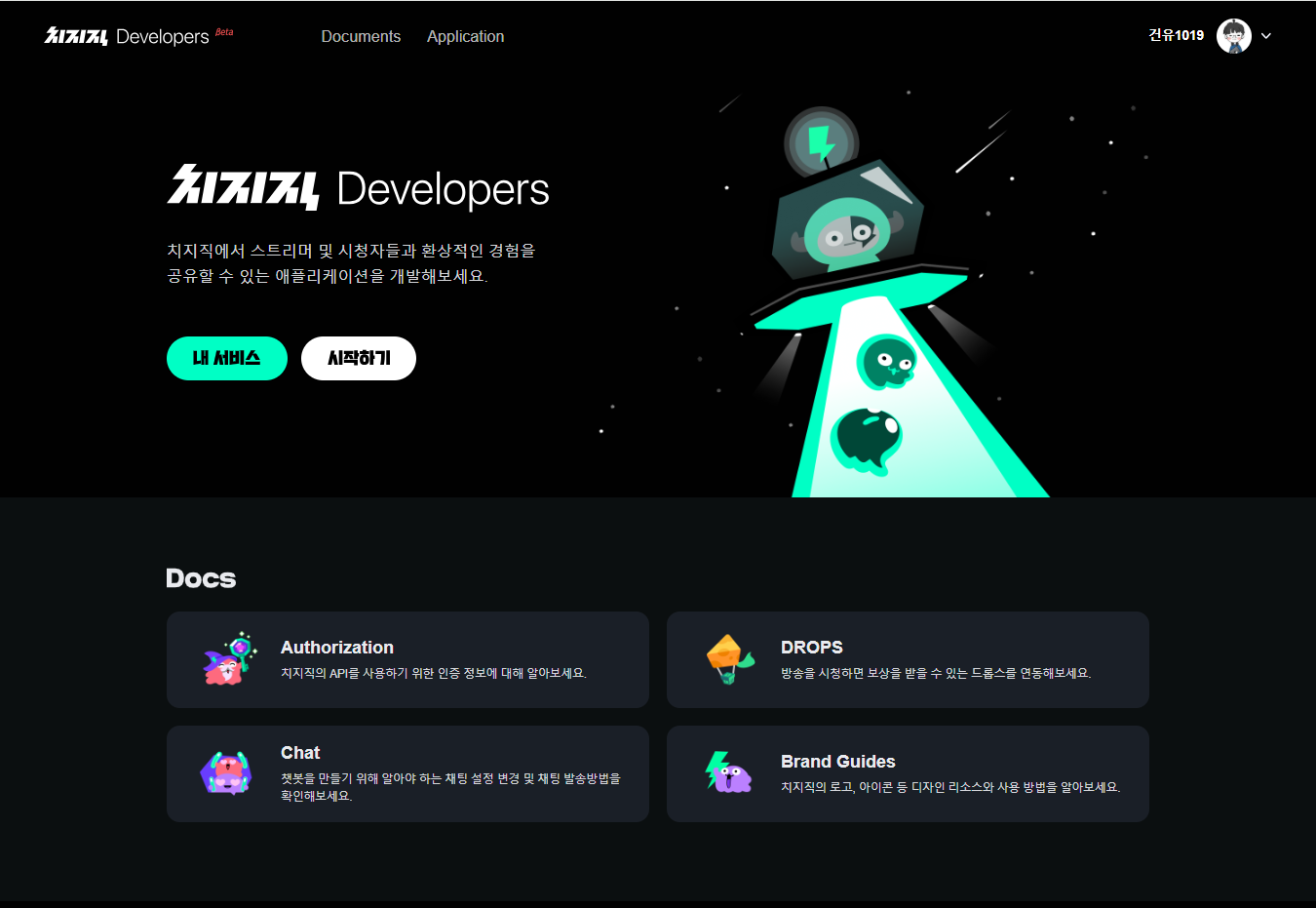
Click “내 서비스” to navigate to the application page.
Click “애플리케이션 등록하기” button.
- Fill in the text fields.

애플리케이션 ID: Application’s unique ID
애플리케이션 이름: The name of application
- 로그인 리디렉션 URL: The redirect URL following the OAuth2 process
(To authenticate with a temporary web server using the
Client.loginmethod, enter “http://localhost:8080/”.)
- API Scopes: Permissions that this application can access.
(For example, to send and receive messages, this application requires “채팅 메시지 조회” and “채팅 메시지 쓰기”.)
Click “등록” to register the new application.
- Copy “클라이언트 ID” and “클라이언트 Secret” to authenticate
chzzkpy.Client 
import chzzkpy

client_id = "CLIENT ID"
client_secret = "CLIENT SECRET"
client = chzzkpy.Client(client_id, client_secret)
- Copy “클라이언트 ID” and “클라이언트 Secret” to authenticate